




Go back in time
Each upload creates a version. Restore yesterday’s work without losing today’s.
Version 6 · current
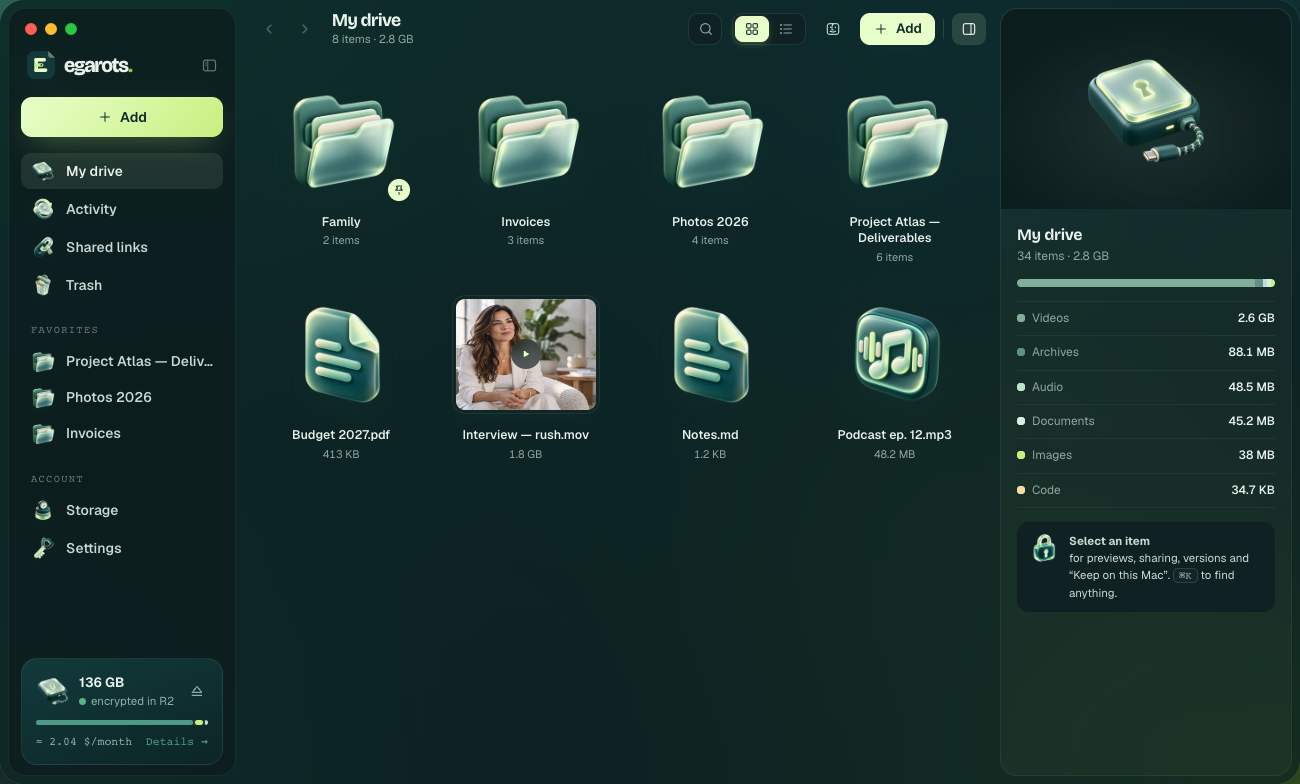
Egarots mounts a drive in Finder. Your Mac encrypts file names and contents before uploading them. You choose who gets access.
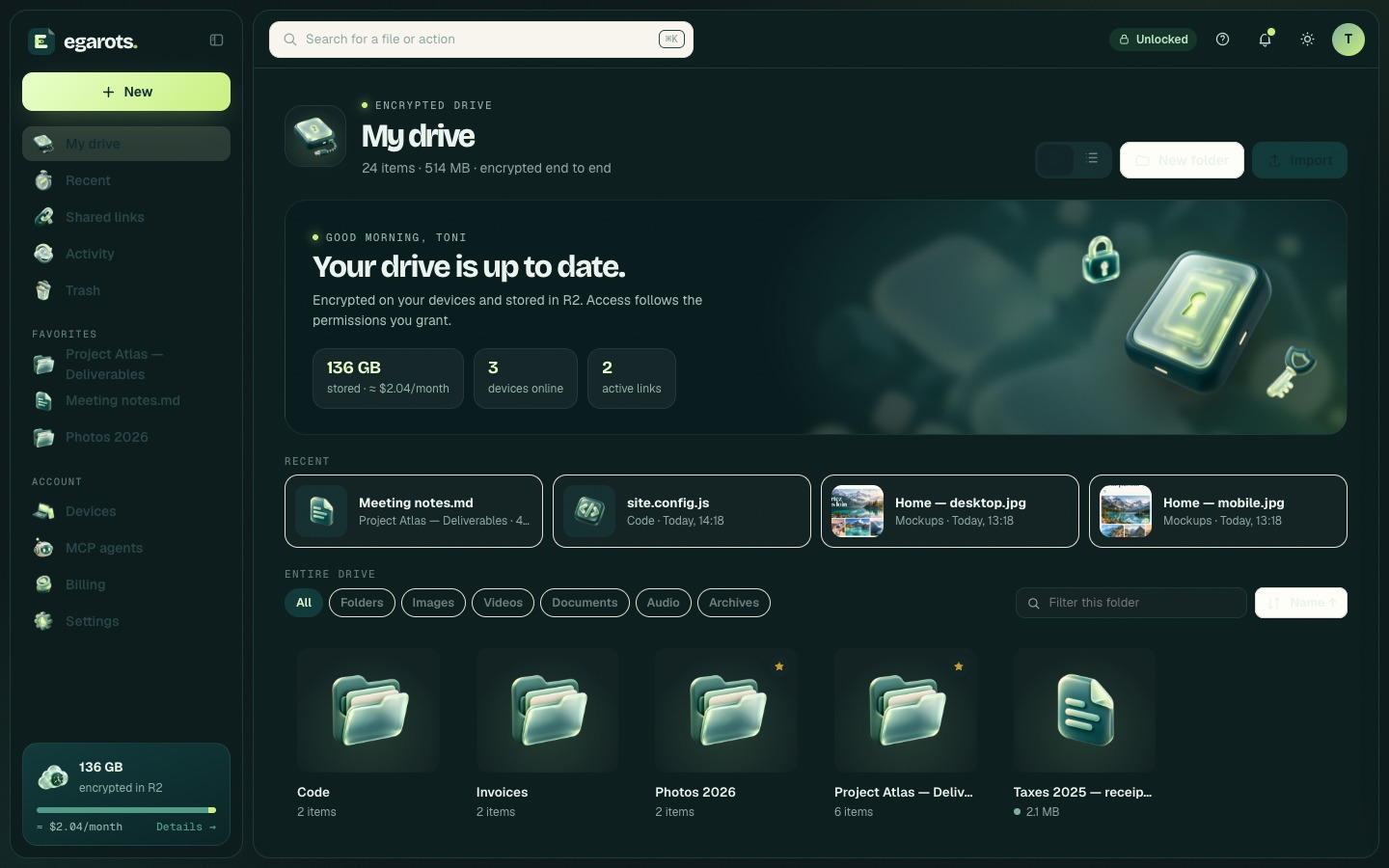
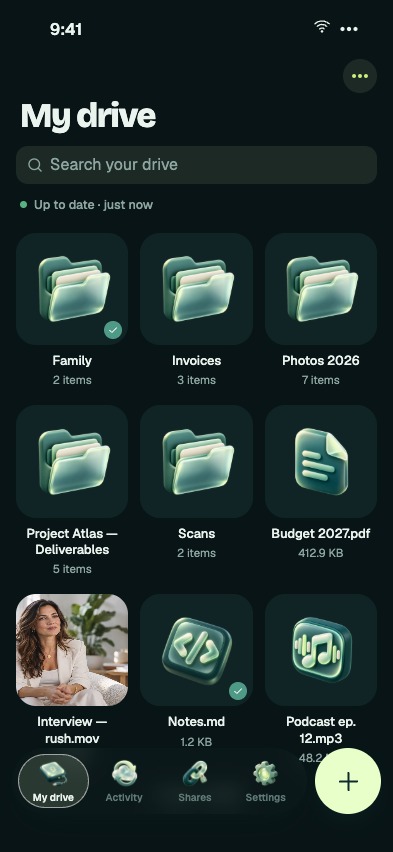
In Finder on your Mac, in the Egarots app on your iPhone, and in a browser wherever you work. One drive, one key, encrypted on every device.
Egarots mounts ~/Egarots as a local drive. Your apps can open it just like any other folder.
Open your files and keep them available offline. Photos are encrypted on your phone before upload.
Sign in on any computer with your passkey. Your browser decrypts your files. Hosted agent access is a separate choice.
 One keypassed between trusted devices, end-to-end encrypted
 Changes stay in syncyour changes travel between your devices
 Even offlinepending changes upload when you reconnect
Open, rename and drag files. Your apps work with Egarots like a local drive. Keep what you need on your Mac and leave the rest in the cloud.
Each upload creates a version. Restore yesterday’s work without losing today’s.

An encrypted link, with an optional password. Choose when access expires.
Your changes stay on your Mac and upload automatically when the connection returns.

Lose Wi-Fi halfway through a 40 GB file: only the missing pieces need to upload.

A separate, revocable MCP connection for each agent, scoped to a folder. Available even while your Mac is off.

Deleted files wait in Trash. Permanently deleting them takes a separate action.
Your devices hold your key. Ordinary storage keeps encrypted names and contents. Protect your recovery file. Hosted agents receive access only through a separate delegation you control.
Estimate storage using Cloudflare R2 rates, excluding operations and applicable taxes. This version does not activate automatic charges.


On Mac, iPhone and the web. Your recovery file stays yours.